Using an iPhone? Here’s a simple guide to opening your downloaded Fairbanks Fiction audiobook in the free VLC player.
1. Open VLC
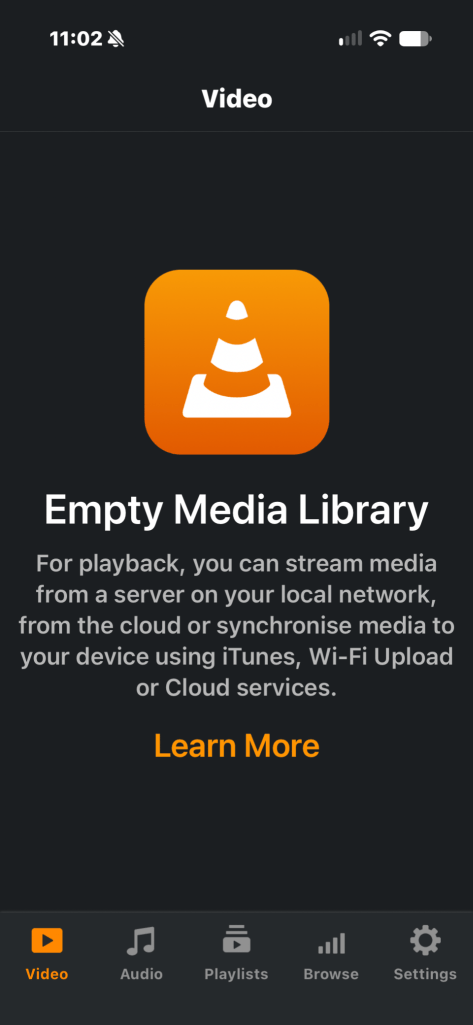
On your iPhone, open VLC. If the media library is empty, tap Browse at the bottom.
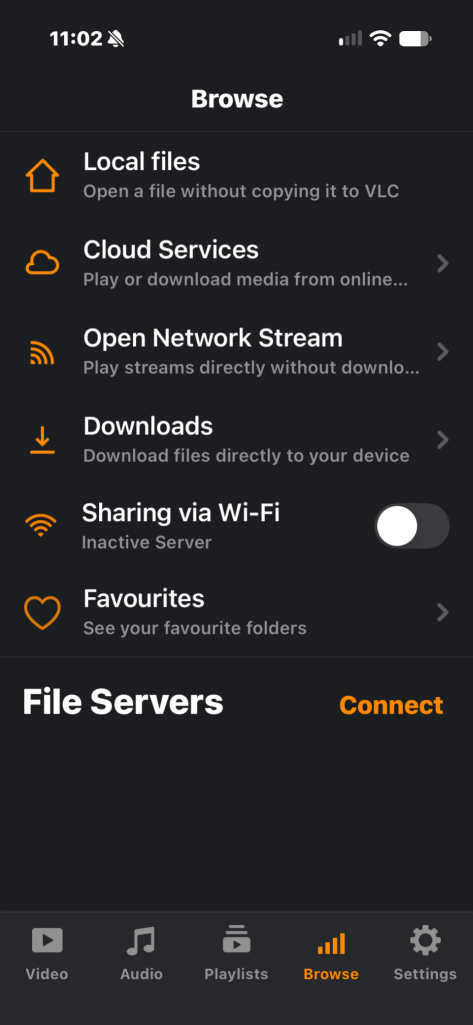
2. Choose Local files
Tap Local files to find an audiobook you have already downloaded.
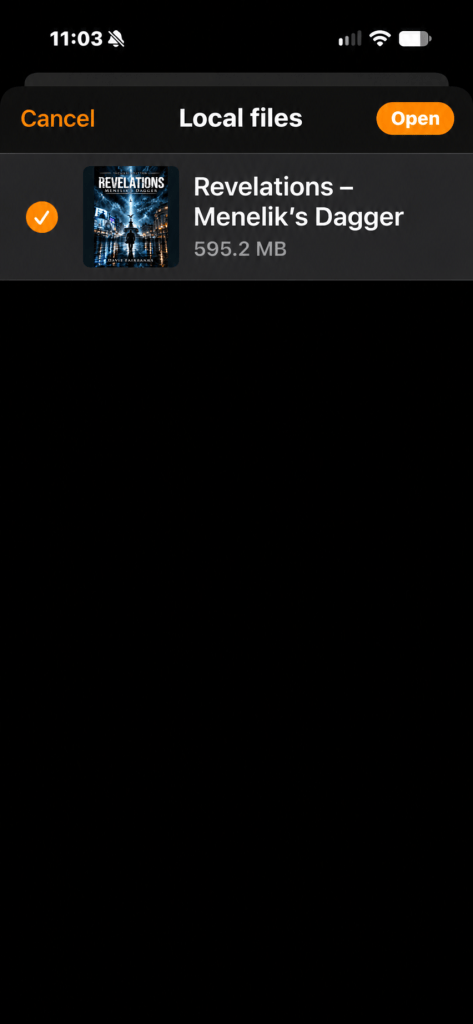
3. Find your audiobook
Choose your downloaded audiobook file and tap Open.
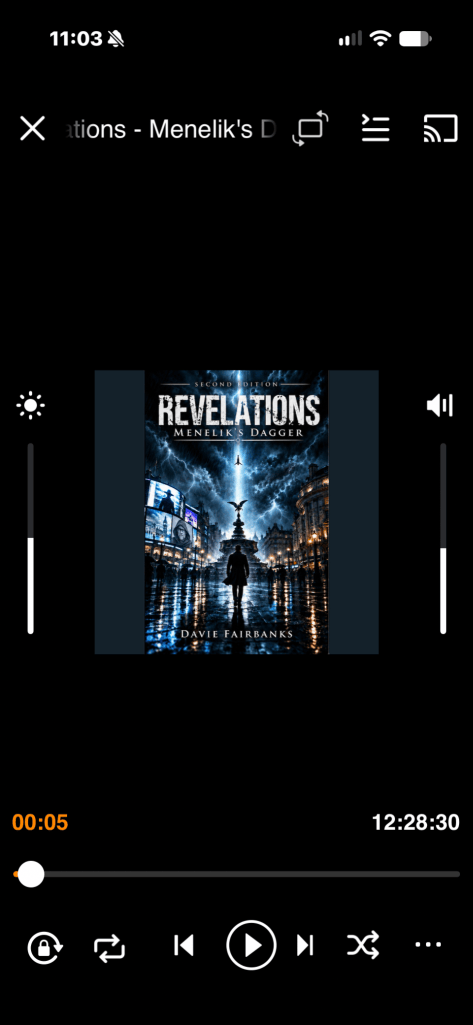
4. Enjoy listening
VLC opens your audiobook with its cover and playback controls. Tap the list icon near the top to browse chapters.
Once the audiobook has been downloaded to your device, you can enjoy it offline. This guide shows VLC on an iPhone; menus may look different on other devices.

